Global Hotkey
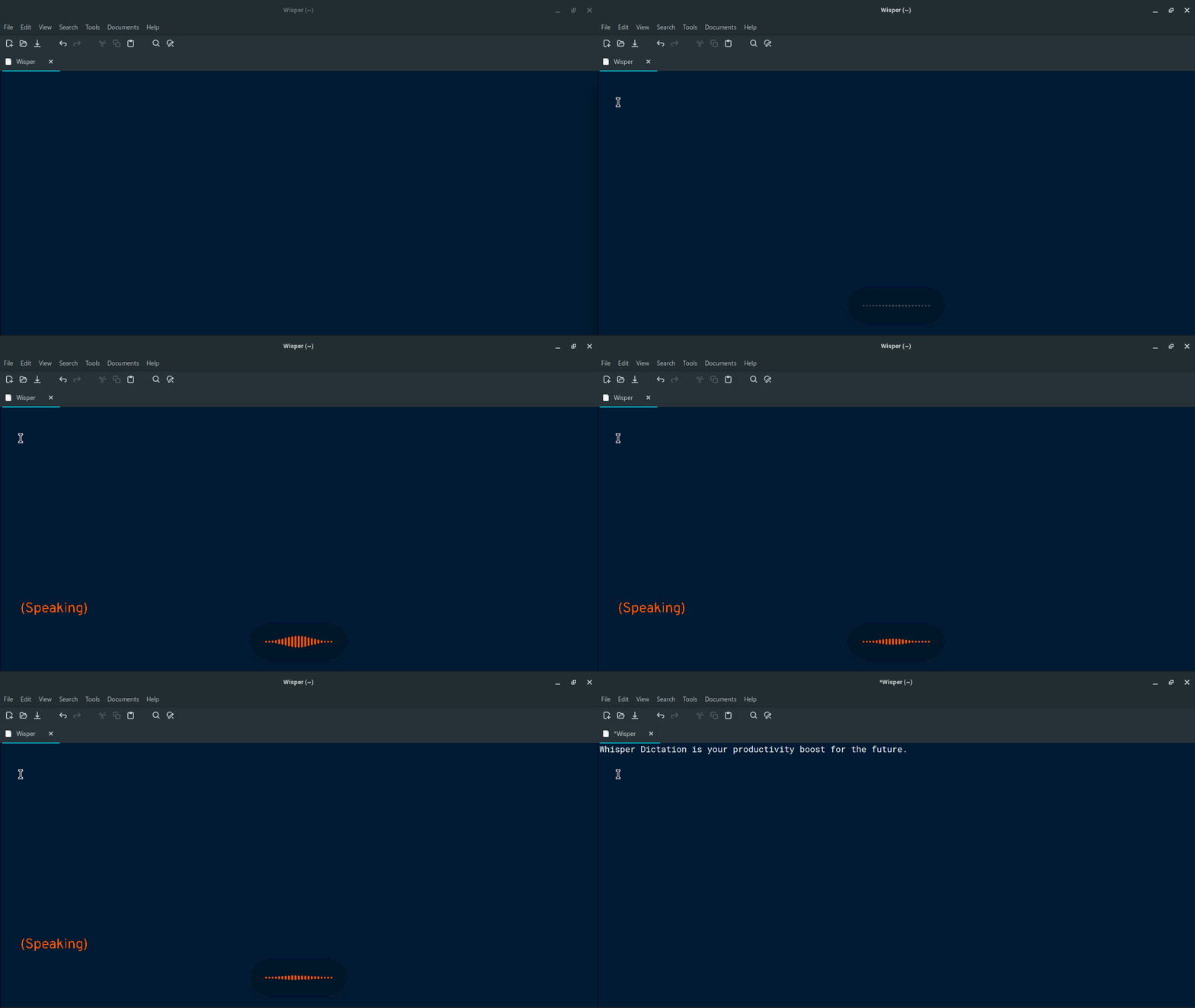
Press hotkey from anywhere to instantly start or stop recording.
Fast, system-wide speech-to-text for Linux with unlimited recording and advanced post-processing
A powerful, extensible voice dictation system for Linux — now with local models, unlimited recording, and optional LLM-based refinement.
Press hotkey from anywhere to instantly start or stop recording.
Powered by OpenAI Whisper via Groq, OpenAI, or local endpoints
Fully local pipelines supported
Clean up speech automatically
Transcribed text can be pasted to or typed at the cursor, or copied to cliboard.
No time limits via VAD segmentation
99+ languages with auto-detection
Slim, transparent recording bar; lives in your system tray
Works everywhere on Linux
Set up Wisper in under 5 minutes
Get the right package for your distro from the download section below: .AppImage (universal), .deb (Debian/Ubuntu/Mint), .rpm (Fedora/RHEL), or .pacman (Arch/Manjaro).
AppImage: Make executable and double-click
.deb: sudo dpkg -i wisper_*.deb
.rpm: sudo rpm -i wisper-*.rpm
.pacman: sudo pacman -U wisper-*.pacman
Pick a cloud provider and get an API key, or run a local server for total privacy (more details):
Right-click the tray icon → Settings → choose your provider and paste your API key → Save. Explore the other tabs to configure your hotkey, output mode (paste / type / clipboard), optional LLM formatting, and local server auto-start. Then press your hotkey to start dictating.
Available for all Linux distributions · all releases on GitHub
Universal package for all Linux distros. No installation required.
Download .AppImagev3.0.1
Verify your download:
SHA256SUMS.txt
·
sha256sum -c SHA256SUMS.txt --ignore-missing
For full documentation, configuration details, and troubleshooting, see the README.